> For the complete documentation index, see [llms.txt](https://tailwindsdocs.innovativesol.com/llms.txt). Markdown versions of documentation pages are available by appending `.md` to page URLs; this page is available as [Markdown](https://tailwindsdocs.innovativesol.com/readme/chatflows/langchain/vector-stores/elastic.md).
# Elastic
## Tailwinds Setup
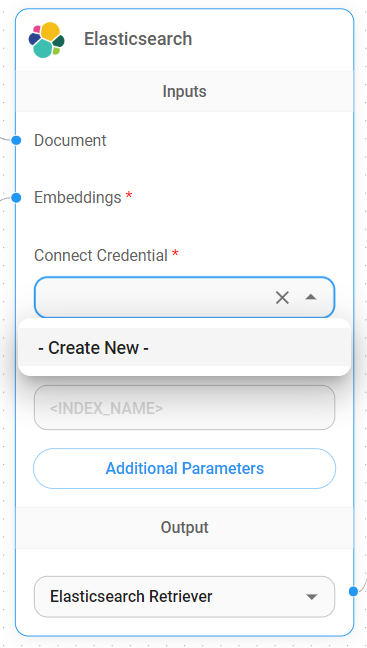
1. Add a new **Elasticsearch** node on canvas and fill in the **Index Name**
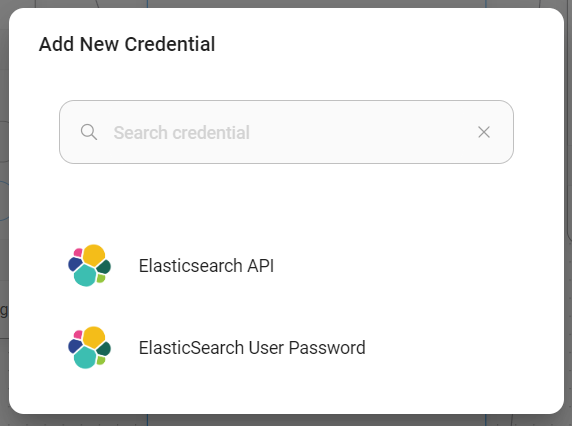
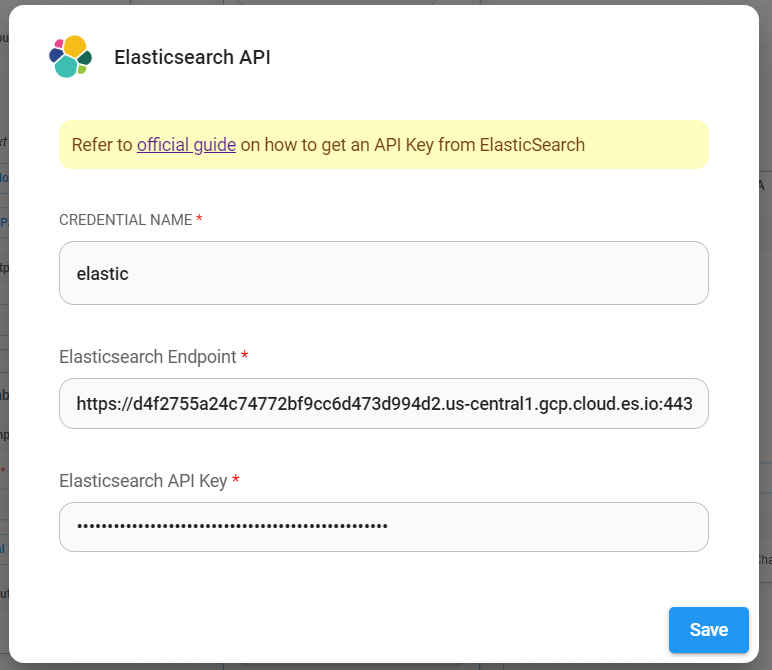
2. Add new credential via **Elasticsearch API**
3. Take the URL and API Key from Elasticsearch, fill in the fields
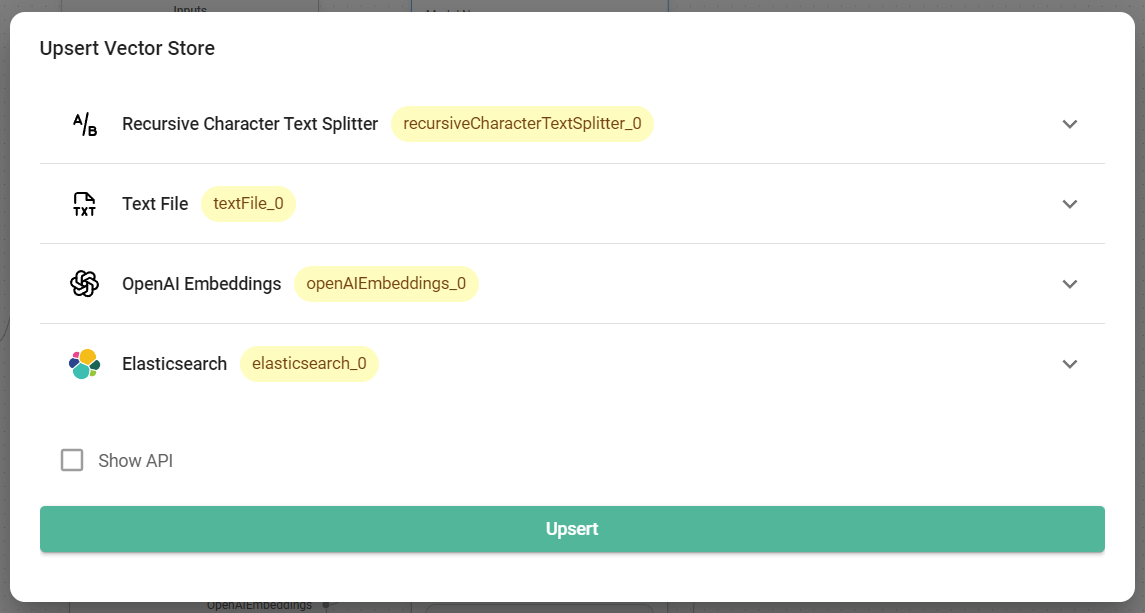
4. After credential has been created successfully, you can start upserting the data
5. After data has been upserted successfully, you can verify it from Elastic dashboard:
6. Voila! You can now start asking question in the chat
## Resources
* [LangChain JS Elastic](https://js.langchain.com/docs/integrations/vectorstores/elasticsearch)
* [Vector Search (kNN) Implementation Guide - API Edition](https://www.elastic.co/search-labs/blog/articles/vector-search-implementation-guide-api-edition)
%20(1)%20(1).png?alt=media)
%20(1)%20(1)%20(1)%20(1)%20(1)%20(2)%20(1).png?alt=media)
%20(1)%20(1)%20(1)%20(1)%20(1)%20(1)%20(2)%20(1).png?alt=media)