> For the complete documentation index, see [llms.txt](https://tailwindsdocs.innovativesol.com/llms.txt). Markdown versions of documentation pages are available by appending `.md` to page URLs; this page is available as [Markdown](https://tailwindsdocs.innovativesol.com/readme/chatflows/langchain/agents/openai-assistant/threads.md).
# Threads
[Threads](https://platform.openai.com/docs/assistants/how-it-works/managing-threads-and-messages) is only used when an OpenAI Assistant is being used. It is a conversation session between an Assistant and a user. Threads store messages and automatically handle truncation to fit content into a model’s context.
## Separate conversations for multiple users
### UI & Embedded Chat
By default, UI and Embedded Chat will automatically separate threads for multiple users conversations. This is done by generating a unique **`chatId`** for each new interaction. That logic is handled under the hood by Tailwinds.
### Prediction API
POST /`api/v1/prediction/{your-chatflowid}`, specify the **`chatId`** . Same thread will be used for the same chatId.
```json
{
"question": "hello!",
"chatId": "user1"
}
```
### Message API
* GET `/api/v1/chatmessage/{your-chatflowid}`
* DELETE `/api/v1/chatmessage/{your-chatflowid}`
You can also filter via **`chatId` -** `/api/v1/chatmessage/{your-chatflowid}?chatId={your-chatid}`
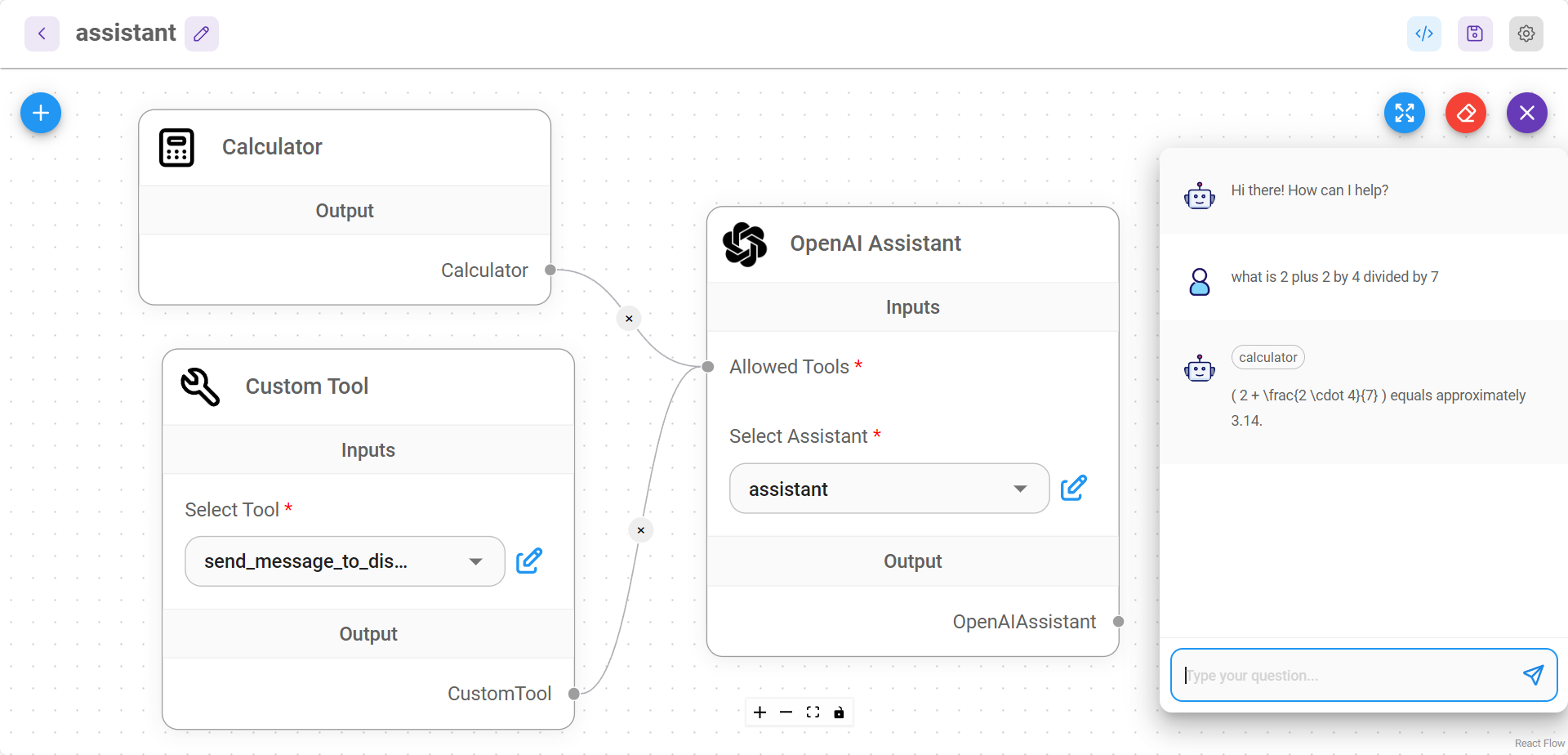
All conversations can be visualized and managed from UI as well:
.png?alt=media)